Compare before you buy
Explore devices and current plans. Ask BSB about your counter, team and selling workflow.
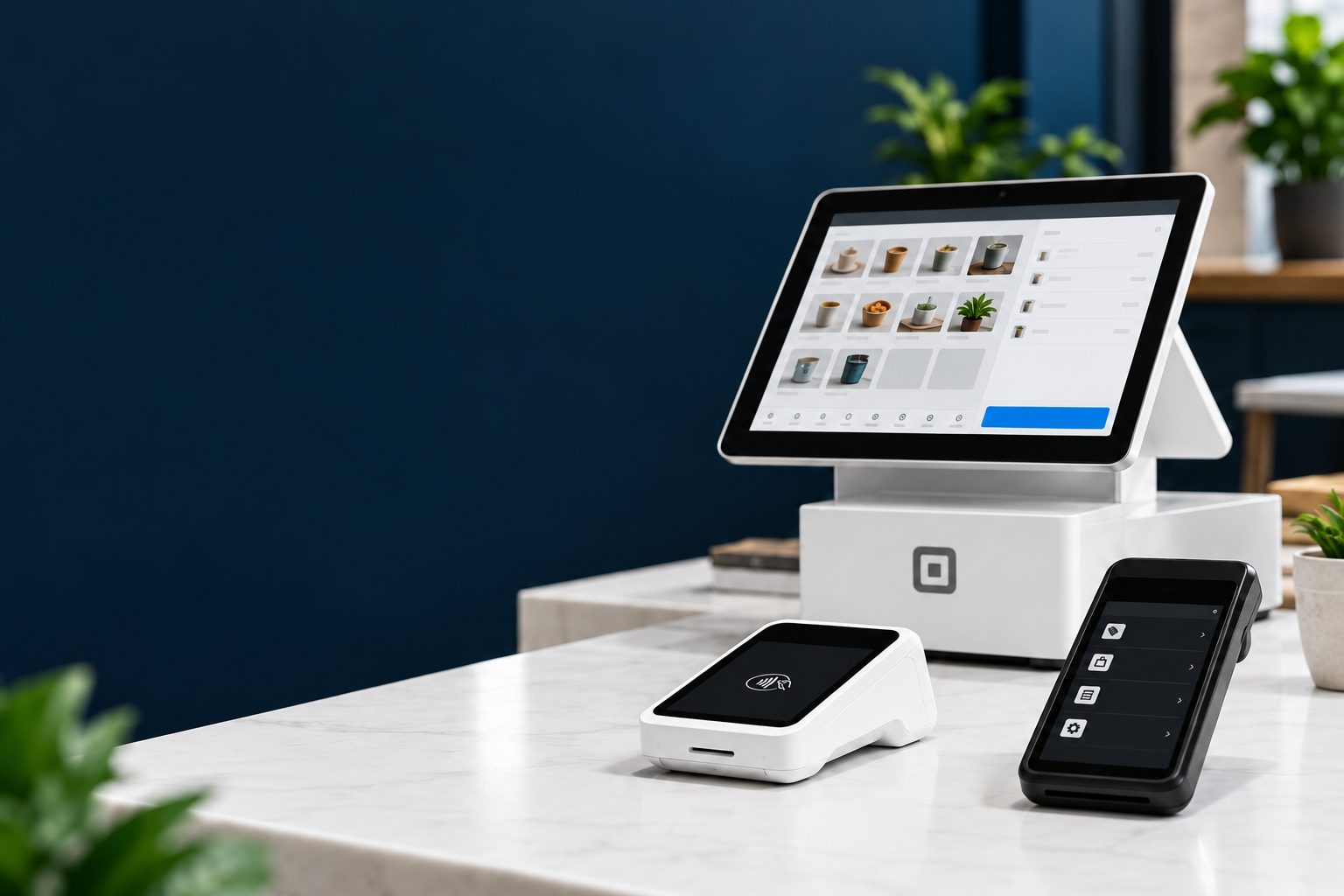
Built for your next move
Payments and point of sale for your first opening or your next move. Start onboarding through BSB, or get help choosing your setup.
Sign up with Square Help me choose →Opens BSB’s secure merchant onboarding. Submitting an application does not confirm activation.

Illustrative setup concept. Compare actual devices below; no equipment bundle is implied.
A clear next step
Explore devices and current plans. Ask BSB about your counter, team and selling workflow.
Ready to proceed? Our merchant onboarding link identifies Business Solutions Bureau and Isidro Nolasco.
Submit your business details, then complete Square’s required setup and verification. Ongoing product support comes from Square Support.
Equipment

From a compact checkout to a full counter setup.
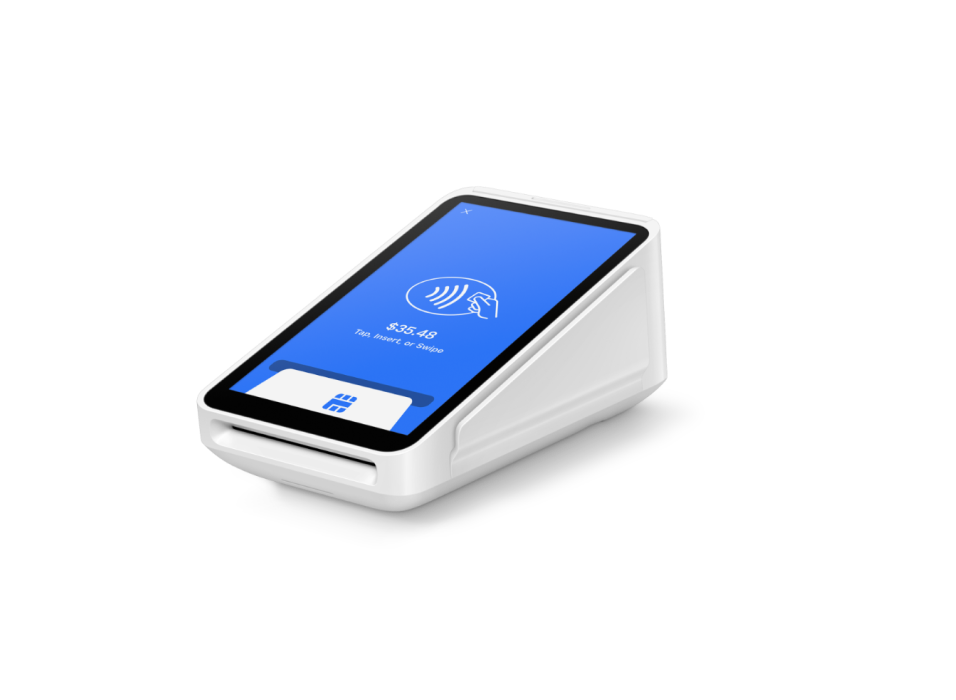
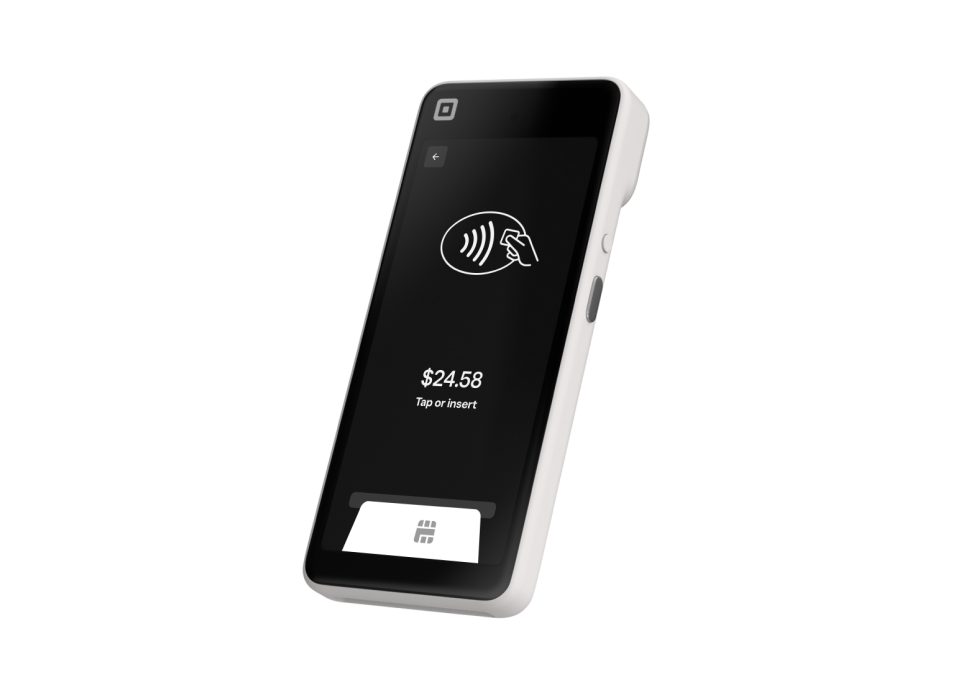
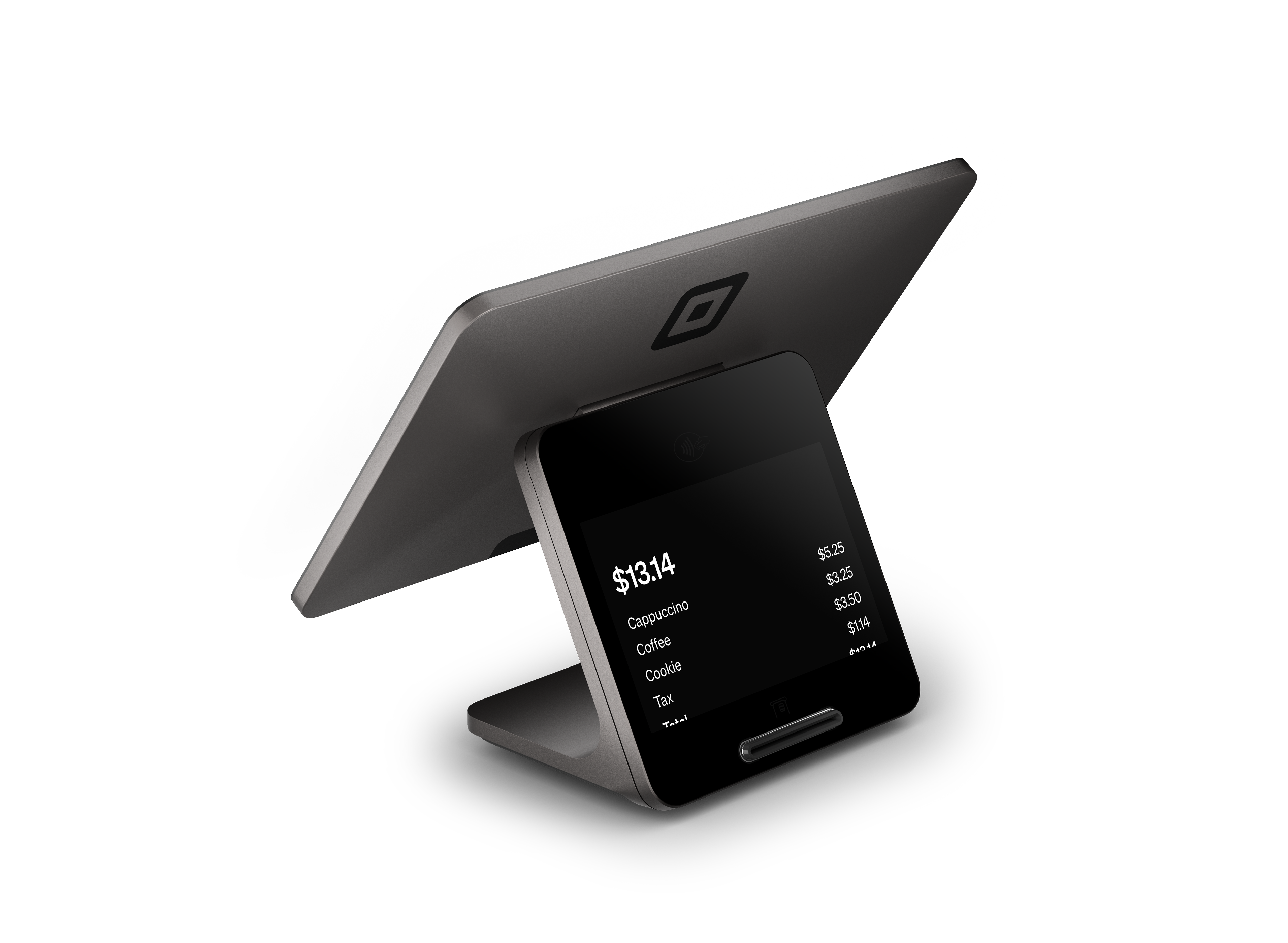
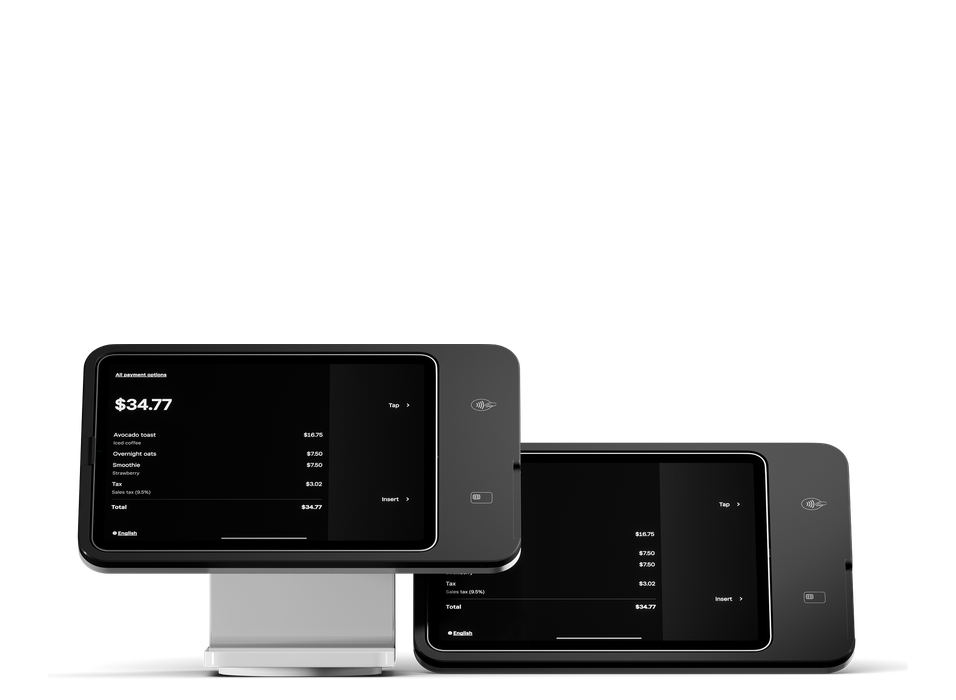
Product links open Square’s product pages for comparison. If you order there, you purchase from Square under its checkout terms. Before buying, ask BSB to confirm compatibility and whether any partner attribution or offer applies; these product links do not establish BSB referral credit.
BSB-funded activation bonus
With a qualifying new Square account activation through BSB. This BSB benefit is separate from any Square or OrderOut promotion.
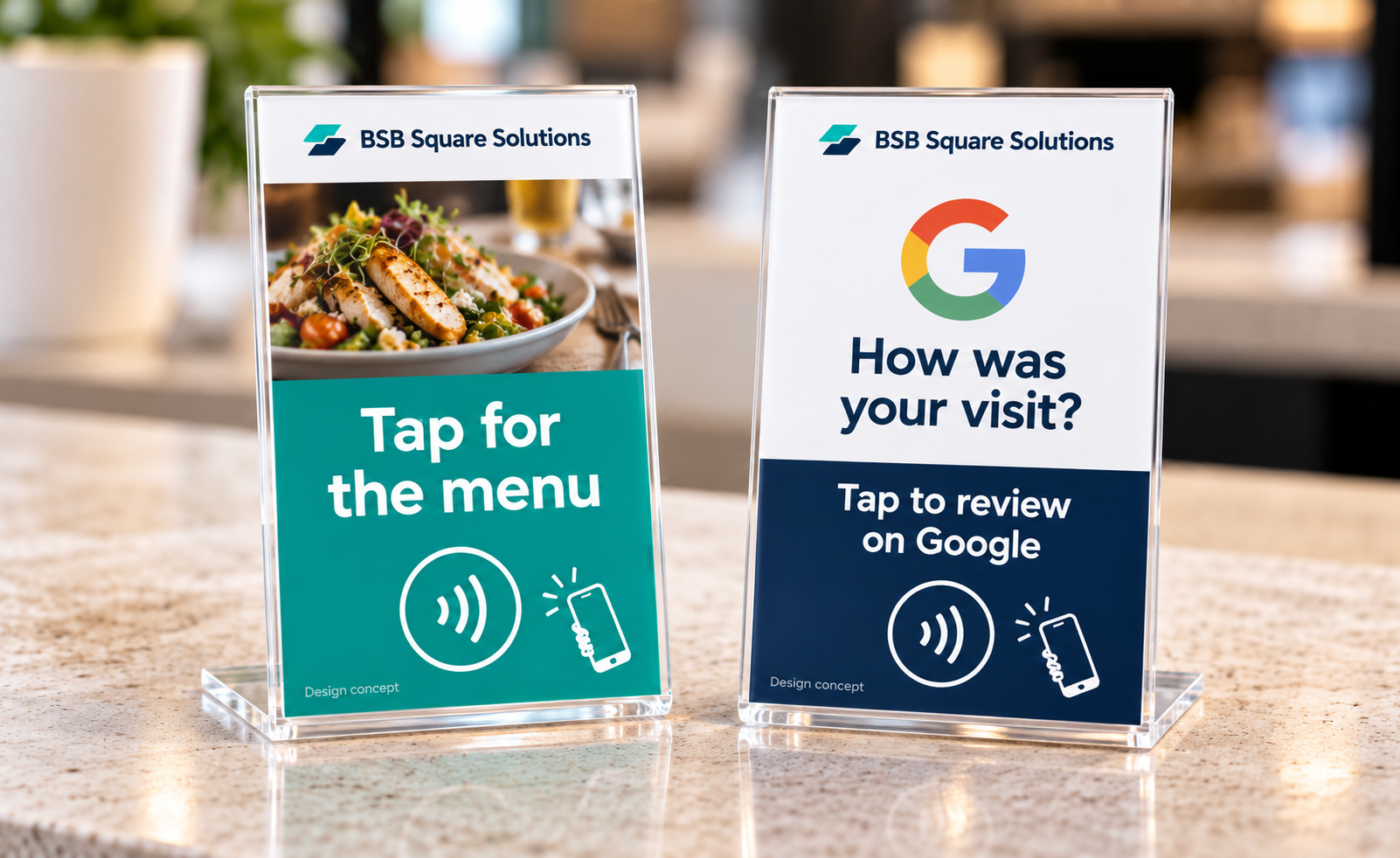
Both included with eligible new account activation.
Optional extra features available at additional cost after activation.
A BSB-funded benefit, not an OrderOut or Square promotion.
Offer not yet open for redemption. Before signup, ask BSB for the written qualifying activation and fulfillment conditions, included functionality, and optional feature prices. Those terms are not yet finalized.
Existing Square merchants: contact BSB about your current account. A different email address does not establish eligibility. Stand images are design concepts; final artwork and included tap or scan functionality must be confirmed. No functional QR codes are shown.
Plans & current opportunities
Match your locations, workflow and priorities.
Then check the current options for your situation.
Hardware, processing, software and optional services may have separate charges.
Features and offer eligibility must be confirmed.
Tell us what else you want to improve.
Available options and setup requirements reviewed individually. Plan and additional charges may apply.
From signup to setup
Use BSB’s secure onboarding link. Check the pricing shown there and provide your business information.
Square may require owner identity, business details and a linked bank account. Submission is not approval or activation.
Look for Square’s account email. BSB checks the Square Merchant ID and account status in OrderOut before confirming activation.
Already using Square? Ask about your current account before submitting another application.
Ready buyers can begin onboarding directly. No consultation required.
Opening, switching POS, or already using Square? Tell BSB what you sell, which equipment you use and what you want to improve.
Open secure consultation form ↗The secure form opens in a new tab. Share your business stage and what you need help with.
An inquiry is a request for follow-up, not a confirmed appointment or an activated Square account. For questions, email sid@bsb365.ai.